
Oliver Casino Mobile App
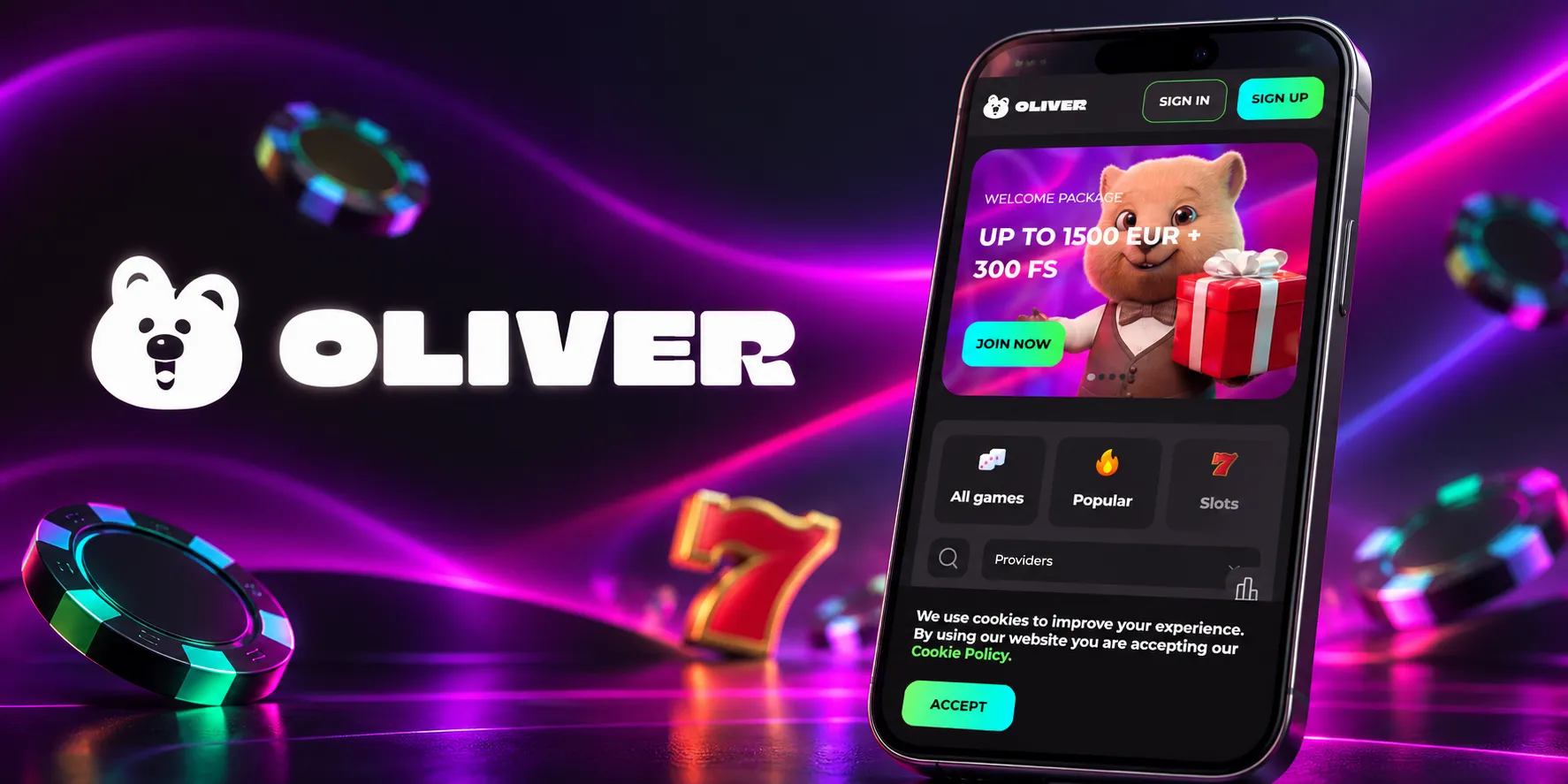

At Oliver Casino, we've built our mobile app experience around one simple idea: you should be able to play wherever you are, without compromising on speed, security, or game selection. Whether you're waiting for a bus or relaxing at home, the Oliver app puts our entire gaming library right in your pocket. We designed it to feel just as smooth as our desktop site, so you won't lose any functionality when you switch to mobile.
Below, we'll walk you through how to get started, what you can expect once you're logged in, and why so many of our players prefer gaming on the go with Oliver.
Why Players Choose the Oliver App
- No download required, just an instant-play browser app
- Full access to our slots, live casino, and table games library
- Same account and balance synced across all your devices
- Fast, secure banking with fiat and crypto options
- 24/7 live chat support available directly in the app
- Regular promotions and free spins accessible on mobile
We've heard from plenty of players that the biggest draw is simply convenience. You don't need to remember to bring a laptop or sit at a desk to enjoy a few spins or a live blackjack session. With Oliver Casino's mobile app, everything you need is already in your hand.
Getting the Oliver App on Your Device
We don't require a traditional app store download for our platform. Instead, we've optimized our site to work as an instant-play mobile app directly through your browser. This means there's no lengthy installation process, no waiting for updates, and no storage space taken up on your phone. Here's how it works for each operating system.
For Android Users
- Open your mobile browser and head to the Oliver Casino website
- Tap the menu icon and select "Add to Home Screen"
- Confirm the shortcut, and an Oliver icon will appear on your device
- Tap the icon anytime to launch the app instantly
For iOS Users
- Visit Oliver Casino.com using Safari
- Tap the Share button at the bottom of the screen
- Select "Add to Home Screen" and confirm
- Your Oliver shortcut is now ready, just like a native app
Because the app runs through your browser, we're able to push updates automatically. You'll always have the latest version of Oliver Casino without lifting a finger.
Logging Into Your Oliver Account
Once the shortcut is installed, logging in takes just a few seconds. We use the same secure credentials across both desktop and mobile, so if you already have an account with us, you can simply enter your username and password to continue right where you left off. New to Oliver Casino? Creating an account directly from the app is just as fast, and your profile syncs instantly across every device you use. Getting started is easy with the quick Oliver Casino login process.
Exploring Slots and Live Casino On the Go
We know that variety matters, which is why our mobile app gives you access to the same massive library you'd find on desktop. With over 4,700 slot titles from providers like Pragmatic Play, NetEnt, Play'n GO, Hacksaw Gaming, and BGaming, there's always something new to try. Our mobile interface is organized by category, so finding your favorite type of game takes seconds.
If you're more drawn to live dealer action, Oliver Casino also brings the full live casino experience to mobile. You can stream real-time blackjack, roulette, baccarat, dragon tiger, and interactive game shows straight from your phone, powered by LuckyStreak and Pragmatic Play Live. The video quality adapts to your connection automatically, so gameplay stays smooth even on mobile data.
| Game Type | Available on App |
|---|---|
| Slots | Yes |
| Live Casino | Yes |
| Roulette | Yes |
| Blackjack | Yes |
| Video Poker | Yes |
| Crash Games | Yes |
Managing Deposits and Withdrawals on Mobile
We've made sure that banking through the app is just as straightforward as it is on desktop. You can choose from Visa, Mastercard, Skrill, Neteller, Interac, Bank Transfer, or a wide range of cryptocurrencies including Bitcoin, Ethereum, Litecoin, and Tether. Minimum deposits start at 20 EUR for fiat methods, and most transactions, including crypto withdrawals, are processed instantly once approved. We know how important quick cashouts are to our players, so our team works to keep processing times as short as possible, typically within 72 hours depending on your chosen method.
Security and Licensing
Oliver Casino operates under a license issued by the Tobique Gaming Commission, and we take data protection seriously across every version of our platform, including mobile. All transactions and personal information are encrypted, and our app follows the same security protocols as our desktop site. You can play with confidence knowing your account details and funds are protected at every step.
Claiming Bonuses Through the App
You don't need to be on a desktop to take advantage of our promotions. Our welcome package of up to 1,500 EUR plus 300 free spins across your first three deposits is fully accessible from the app, and so are our weekly reloads like the Tuesday Reload or Weekend Reload. If you're a bigger spender, our Highroller Welcome offer, worth up to 6,000 EUR and 450 free spins, is also available right from your phone. Entering a bonus code and tracking your free spins takes just a couple of taps in the app's promotions tab. Explore the full details on our Oliver Casino bonus page.
Our Customer Support
If you ever run into an issue while using the app, we offer multiple ways to reach our support team:
- Live Chat: Our team is available 24/7 directly through the app
- Email: support@Oliver Casino.com
- FAQ Section: Available on our website for quick answers
Getting Started with Your Account
If you haven't joined us yet, setting up your Oliver account from the app is quick and simple:
- Open the Oliver Casino app shortcut on your device
- Tap "Register" and enter your basic details
- Verify your email address to activate your account
- Choose your preferred currency and deposit method
- Make your first deposit and claim your welcome bonus

Final Thoughts
We built the Oliver app with one goal in mind: giving you full freedom to play when and where you want, without sacrificing the quality of games, bonuses, or support you'd expect from our desktop platform. From slots and live casino tables to fast withdrawals and round-the-clock assistance, everything that makes Oliver Casino worth playing at is available right on your phone. Add the shortcut, log in, and see for yourself why so many players have made our app their go-to way to play.
FAQ
Do I need to download anything to use the Oliver app?
No, we don't require a traditional download. Our app runs instantly through your mobile browser, and you can save a shortcut to your home screen for quick access anytime.
Is the Oliver Casino app available for both Android and iOS?
Yes, we've optimized our platform to work smoothly on both Android and iOS devices through their respective browsers.
Can I claim bonuses directly from the app?
Absolutely. We make all our promotions, including the welcome package and weekly reloads, fully accessible through the mobile app.
Is my account information secure on the app?
Yes, we use the same encryption and security standards on mobile as we do on desktop, so your information stays protected at all times.
What games can I play through the app?
You'll have access to our full library, including slots, live casino tables, roulette, blackjack, video poker, and crash games, all optimized for mobile play.
How do I log in if I already have an account?
Simply open the app shortcut, tap login, and enter your existing credentials. Your balance and account details sync automatically across devices.
Are withdrawals as fast on the app as on desktop?
Yes, we process withdrawals the same way regardless of device, with most methods processed instantly and bank transfers taking up to a few banking days.
Content updated: October 08, 2026